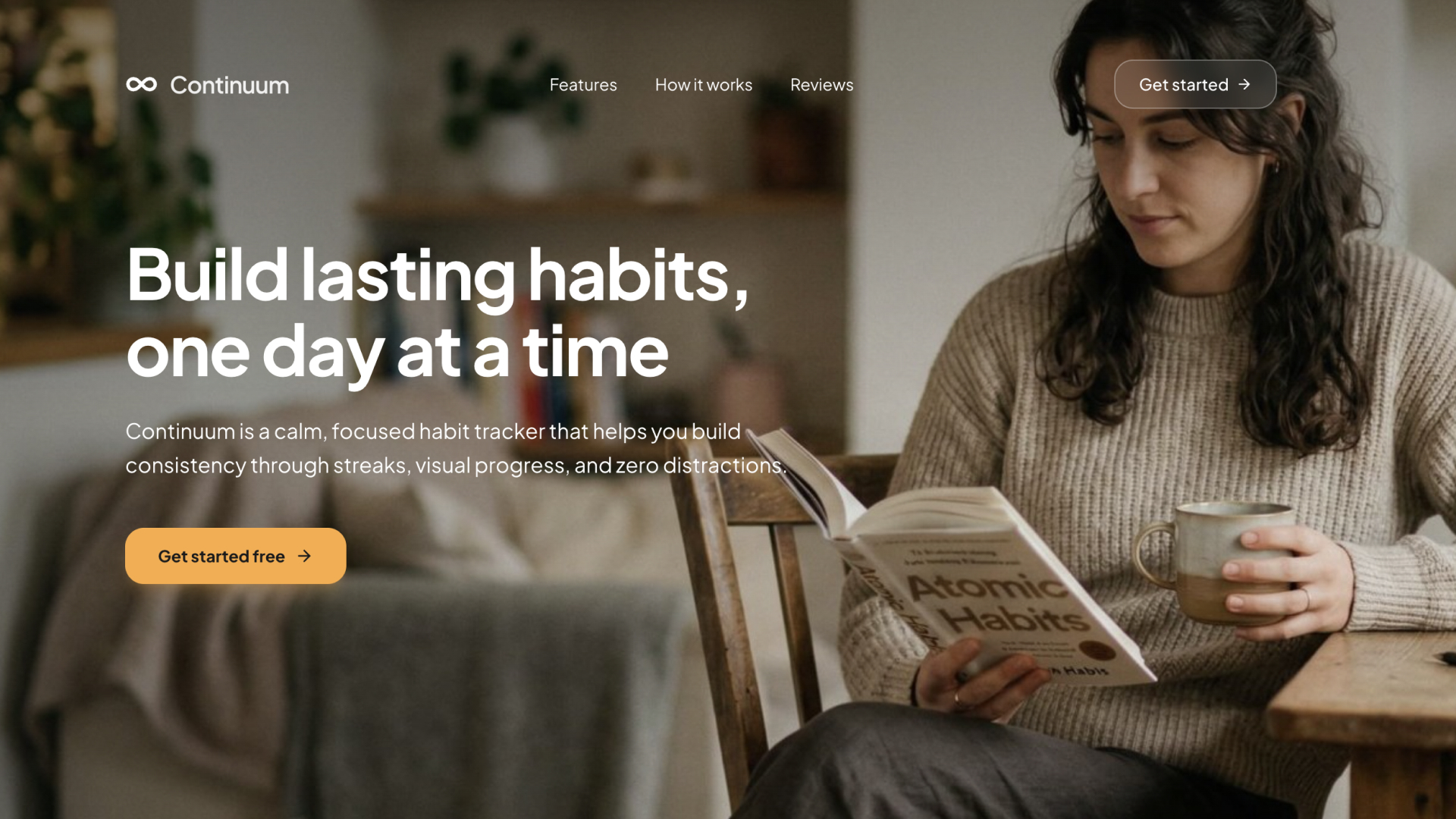
Continuum - Daily Habit Tracker Template
A calm, distraction-free habit tracker with streak counters, calendar heatmaps, and motivational insights
LOLovable
·
Key Highlights
Streak tracking with milestones
Current and longest streak counters update automatically. Milestone messages celebrate achievements at 7, 14, 30, 100, and 365 days.
Calendar heatmap visualization
A 30-day heatmap on each habit card shows your recent consistency at a glance. Completed days are highlighted in the habit's color.
Flexible scheduling (daily, weekly, specific days)
Set habits as daily, specific weekdays, or a target number of times per week. The streak calculator accounts for non-scheduled days.
Drag-and-drop habit reordering
Reorder habits by dragging them into your preferred order. Position changes persist to the database automatically.
Cloud sync with authentication
Email/password and Google sign-in keep your data synced across devices. All habits and logs are stored securely in the cloud.
Progress insights and analytics
A dedicated insights page shows completion rates, streak data, and progress visualizations across all your habits.
Features & Capabilities
Production-ready features built with modern tech stack for exceptional performance and user experience
Habit creation with custom colors
Streak tracking with milestones
Calendar heatmap
Flexible frequency scheduling
Drag-and-drop reordering
Insights and analytics
Cloud sync with authentication
Onboarding flow
Settings and data management
Responsive design
Dark mode support
Reminder times
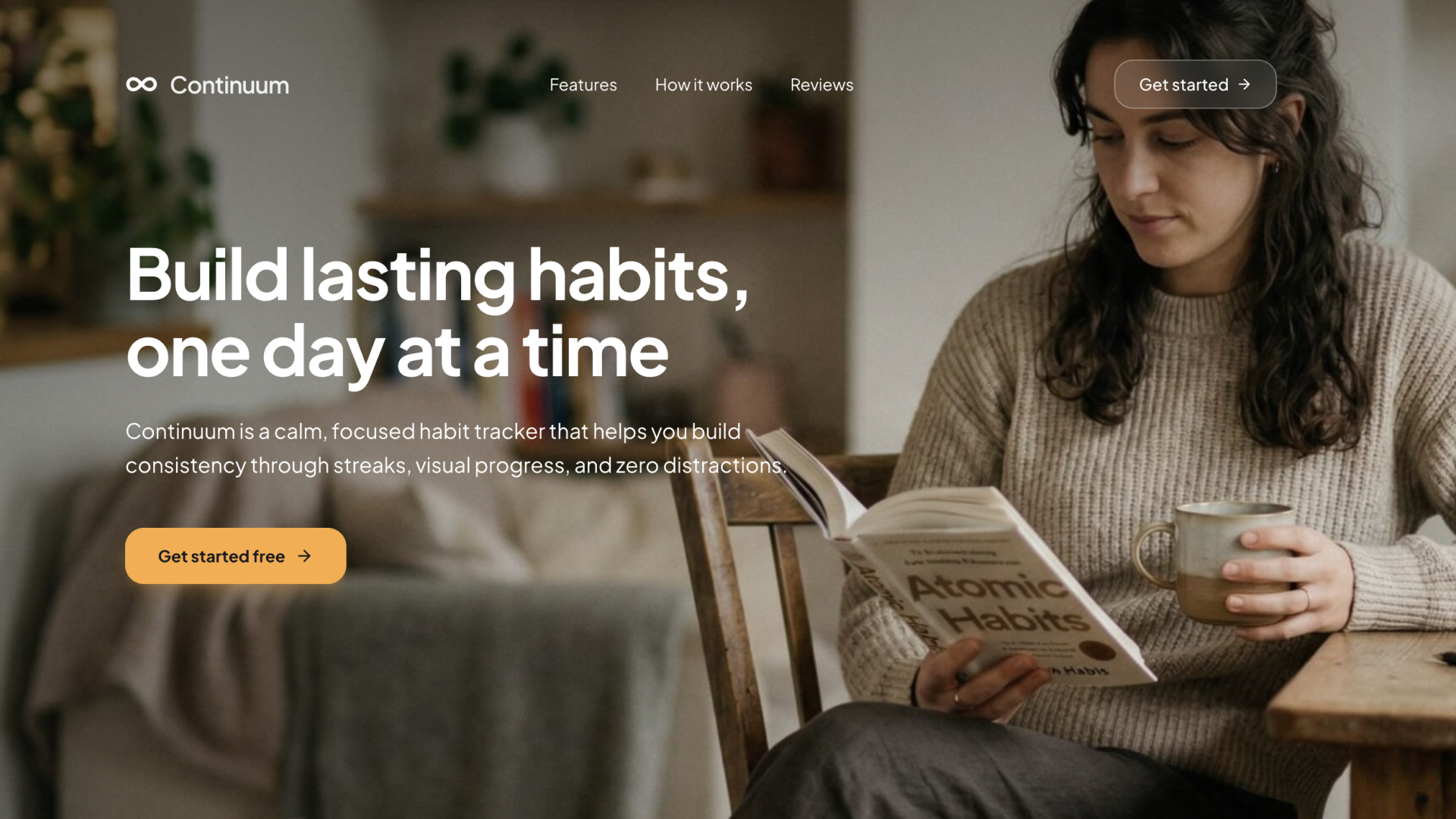
Loading live preview...
About this template
Continuum is a minimalist habit tracker designed to help users build and maintain consistent daily routines. It strips away the noise of bloated habit apps and focuses on what matters: logging habits, watching streaks grow, and staying accountable to yourself.
Each habit includes a name, description, color, frequency schedule, and optional reminder time. Check off habits daily, track your current and longest streaks, and visualize your consistency with a 30-day calendar heatmap. Milestone messages celebrate your progress at key intervals like 7, 30, and 365 days.
The app supports flexible scheduling — daily, specific weekdays, or a target number of times per week. Drag-and-drop reordering lets you prioritize what matters most. All data syncs to the cloud via authentication, so your habits follow you across devices.
Authentication is built in with email/password signup and Google sign-in. A clean onboarding flow guides new users through creating their first habits. The settings page lets you manage your account and clear data when needed.
Who This Is For
Individuals building daily routines who want a simple, distraction-free tracker
Self-improvement enthusiasts who are motivated by streaks and visual progress
People frustrated with bloated habit apps full of social features and ads
Developers looking for a clean habit tracker template to customize and extend
Best Use Cases
Daily Routine Building
Track morning routines, exercise habits, reading goals, or meditation practice. The daily check-off flow is fast and satisfying, and streak counters provide the motivation to keep going. No distractions, just you and your habits.
Flexible Weekly Goals
Not every habit needs to happen daily. Set habits for specific weekdays or target a number of completions per week. The scheduling system adapts to your real life instead of forcing a rigid daily cadence.
Personal Accountability
The calendar heatmap and streak milestones create a visual record of your consistency. Seeing a long streak or a filled-in heatmap makes it harder to skip a day. It's accountability without the social pressure.
Progress Tracking Over Time
Use the insights page to review completion rates, compare streaks across habits, and identify patterns. The analytics help you understand which habits stick and which ones need adjustment.
Getting Started
Step 1: Remix This Template
Click "Remix" to create your copy. You'll have a working habit tracker you can explore before adding your own customizations.
Step 2: Familiarize Yourself With the Project
Go to User > Settings > Knowledge, and read what's under "Project knowledge" to understand the app's architecture and data model. You can also ask Lovable in the chat for more details.
Step 3: Customize Your Brand
Update colors, fonts, and the app name. The design system uses CSS custom properties and Tailwind tokens, so changes propagate instantly across the entire app.
Step 4: Try the Habit Tracking Flow
Create a few habits, check them off, and explore the insights page to see streaks, completion rates, and the calendar heatmap in action.
Step 5: Deploy and Start Tracking
Deploy with one click and start building your daily routine. Lovable handles hosting and performance.
Step 6: Iterate and Make It Yours
Continue building and make any changes to suit your exact preferences and workflow.
Conclusion
Continuum works for anyone who wants a focused, personal habit tracker without social pressure or premium paywalls. You get streak tracking, calendar heatmaps, flexible scheduling, drag-and-drop reordering, and cloud sync in a template you can deploy in minutes. Whether you're building a morning routine or tracking fitness goals, the clean interface keeps you focused on consistency rather than complexity.
Related Templates